
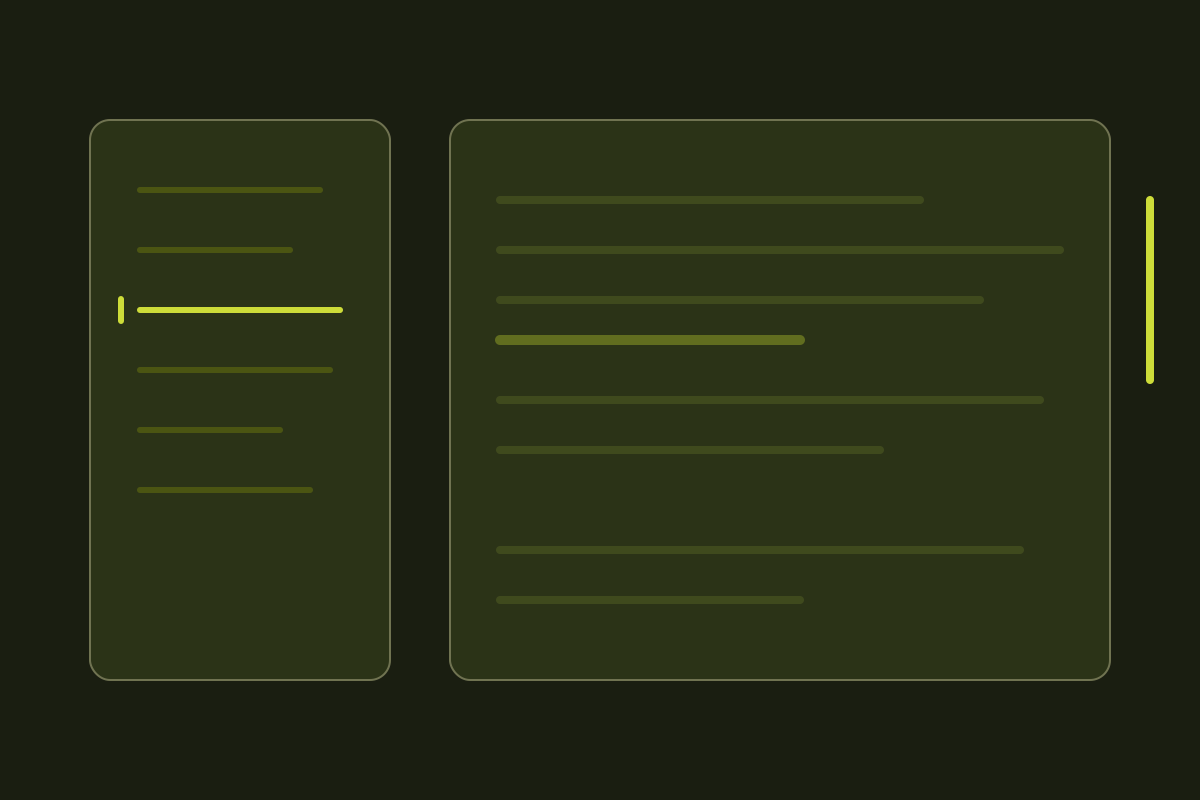
A long article without navigation is a scroll bar and a guess. The fix is a table of contents that stays visible and tells you where you are, and both halves of that are easy to get subtly wrong.
Sticky, not fixed
position: fixed takes the sidebar out of the document, so it stops respecting the
footer and overlaps it on short pages. position: sticky with a top offset keeps
the element in flow and stops at its container's edge, which is the behaviour you
actually want.
The requirement people forget is that a sticky element needs a scrollable ancestor
chain without overflow: hidden. One stray overflow-hidden on a wrapper and
sticky quietly degrades to static.
Tracking the active heading
My first attempt used an IntersectionObserver with a negative rootMargin, which
shrinks the observation box to a band near the top of the viewport, and took the
first heading inside that band. It reads well and it is wrong.
The moment the next title scrolls into the band — while you are still reading the paragraph above it — the highlight jumps forward a section. The question a table of contents answers is not "which heading is visible" but "which heading did I last scroll past":
let current = headings[0].id;
for (const heading of headings) {
  if (heading.getBoundingClientRect().top > READING_LINE) break;
  current = heading.id;
}
Headings are already in document order, so the loop stops at the first one still
below the line and keeps the one before it. Run it inside a
requestAnimationFrame from a passive scroll listener and the cost is a handful of
reads per frame, on a list that is rarely longer than ten items.
The last-section problem
There is a second trap the band approach hides. On a page whose last section is shorter than the viewport, that heading never reaches the top of the screen at all — you hit the bottom of the document first — so it can never become active and the highlight sticks on the second-to-last item.
The fix is to special-case the end of the page: once there is no scrolling left to do, the last heading wins regardless of where it sits.
Accessibility
The sidebar is a nav with an accessible name, the links are real anchors, and the
current item gets aria-current="location". Keyboard users get the same navigation
for free, and scroll-margin-top on each heading stops the sticky header from
covering the target after a jump.